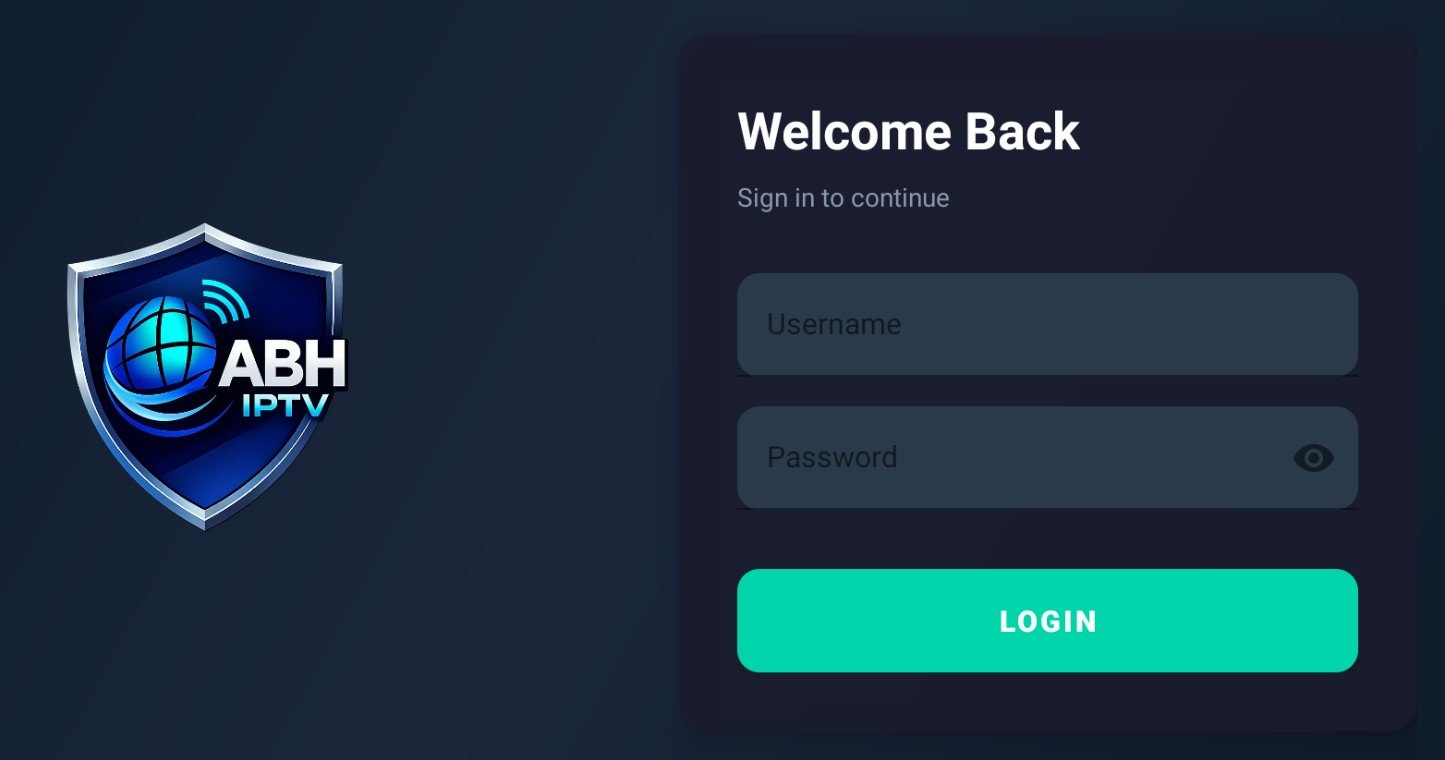
Download IPTV App now Download Now Read Instructions For ABH IPTV App Setup Firestick Users: Step 1: My Fire TVStep 2: Click Center Button about 10 timesDeveloper Options will Enable.Step 3: Go into Developer optionsStep 4: Turn on ADB Debugging & Install Unknown SourcesStep 5: Go to the The Search Button (Magnifying Glass)Step 6: Search for Downloader & InstallStep 7: Go to Developer Options under My Fire TV Turn Downloader to ON - Install Unknown SourcesStep 8: Go to Download and in the URL Section Type inabhnetworks.biz/apk and then Hit Go.Step 9: Install app and follow Prompts.Step 10: See images Below***Your Login And Password Will be Emailed to you after order Completion***